

A practical guide for Canadian non-profits and small businesses
Every day, millions of WordPress sites are probed by automated bots looking for an easy way in. Most attacks are not personal — they are opportunistic. Old plugins, weak passwords, and default settings are all the invitation an attacker needs. For non-profits and small businesses, the consequences go beyond a technical headache. A compromised site can shake donor confidence, cost sales, and undo months of hard work — often overnight. The difference between a site that gets hit and one that stays safe usually comes down to a handful of deliberate choices.
The good news is that learning how to secure a WordPress website does not have to feel like a full-time tech job. In this guide, we walk through clear steps anyone can follow, even without a developer on staff. Some steps are simple and DIY friendly, while others are easier with professional help from a team like Happy Bits. By the end, we cover the main threats, a strong setup, the right habits, and the extra protection that keeps a site safe in 2026 and beyond.
“Security is a process, not a product.” — Bruce Schneier – a cryptographer, computer security professional, privacy specialist, and writer
Key Takeaways
Before we dig into details, it helps to see the big picture. These are the habits that matter most when thinking about how to secure a WordPress website.
- Keep WordPress, themes, and plugins updated. Updates fix known holes that attackers actively scan for every day. A simple update habit removes many easy targets.
- Use strong passwords and Two-Factor Authentication (2FA). Long, random passwords for every account, plus 2FA for admins, block most brute-force and stolen-password attempts. It is one of the simplest ways to lock the front door.
- Add a Web Application Firewall (WAF) and regular malware scans. Tools like Patchstack filter bad traffic and apply virtual patches the moment a vulnerability is discovered — before an attacker can exploit it. Malcare includes a basic WAF and scans your website’s backups stored on their servers for malware.
- Set up automated off-site backups. Backups protect against hacks, server failure, and human mistakes. A tested backup turns a disaster into a brief delay rather than a long outage.
- Use a professional WordPress Care Plan when time is tight. A service like the Happy Bits WordPress Care Plan handles updates, security checks, and emergencies so the website feels cared for like a hug around an important asset.
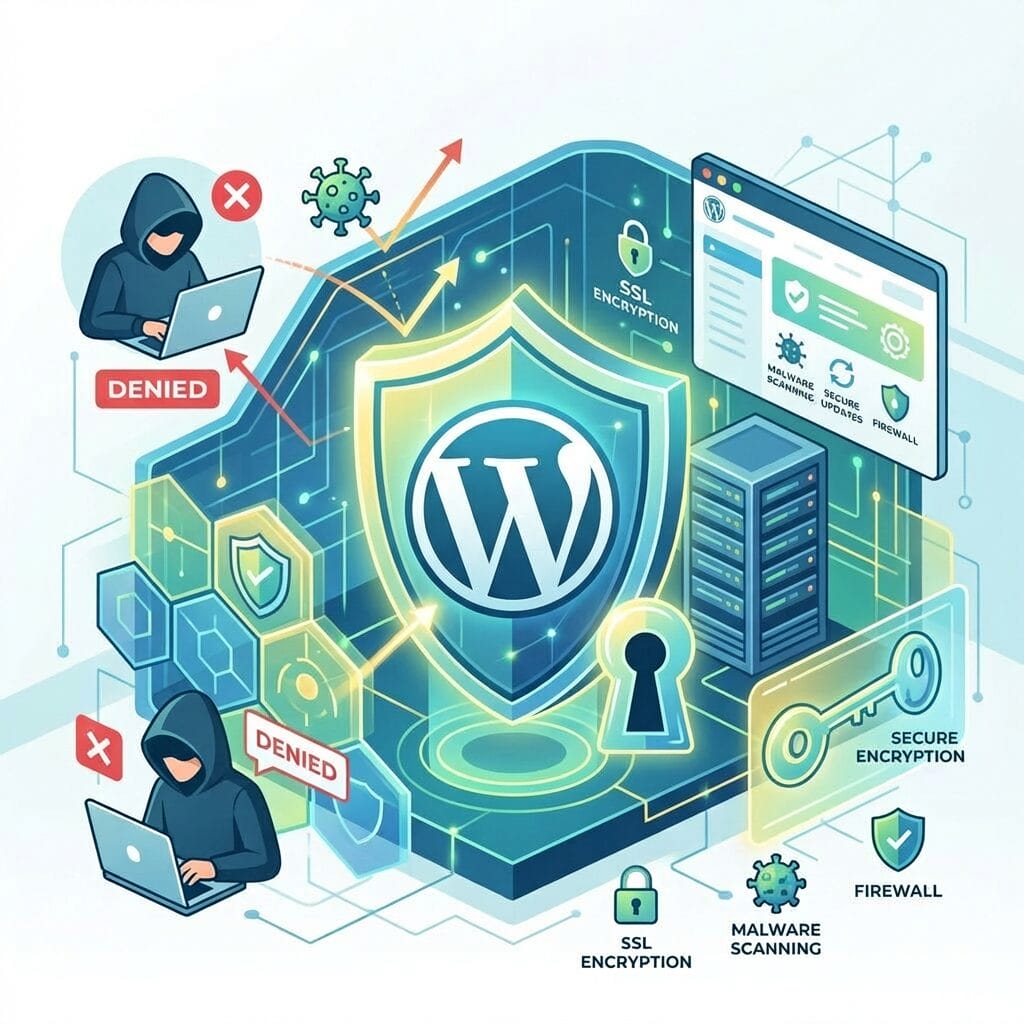
Understanding The Biggest WordPress Security Threats
When we talk with clients about how to secure a WordPress website, we start with the risks. WordPress is popular, which is great for its features and community support, but it also attracts attackers targeting common setups. The goal is not to scare anyone, but to make the invisible threats easier to see.
Most attacks come from bots, not people with a personal grudge. These bots scan thousands of sites at a time, looking for weak passwords, old plugins, and default settings. If a site matches one of those patterns, it moves higher on their target list.
Some of the most common attack types include:
- Brute force attacks hammer the login page with thousands of guesses. Bots repeatedly try common usernames and simple passwords. If a site still uses an “admin” account or weak passwords, this type of attack often works.
- SQL injection sends harmful commands through website forms or search boxes. When code does not clean input, an attacker can reach the database behind the site. That database holds posts, users, and sometimes sensitive data.
- Cross-Site Scripting (XSS) hides scripts inside comments, forms, or weak plugins. Those scripts then run in a visitor’s browser and can steal cookies, redirect users, or show fake login forms. The damage can spread beyond the site owner to the audience.
- Outdated software and hidden malware often go hand in hand. Once an attacker finds an old plugin or theme with a known hole, they install backdoor files that sit quietly. Those files keep access open, even if passwords are later changed.
A few early warning signs that a WordPress site may be compromised:
- Pages or posts that suddenly contain spammy links or strange pop-ups
- A sharp drop in search traffic or search results showing warnings
- Visitors see browser warnings about malware or unsafe content
- A new user with admin privileges has been added (and no administrator had anything to do with it)
- A plugin you haven’t installed before appears on the plugin page
- Hosting providers are sending alerts about suspicious files or high resource use
- The website is noticeably slower than before
At Happy Bits, we often say that some things behind the scenes are more important than what we see on the surface. That is the case with website security. Knowing these threats is the first step in securing a WordPress website; the next is building a strong foundation that makes attacks much harder to carry out.
Building A Secure Foundation — Hosting, Setup, And User Access

A safe WordPress site starts with the ground it sits on. When we guide someone on how to secure a WordPress website, we first look at hosting, basic setup, and who can log in. Small choices here make a big difference later.
Managed Hosting
At Happy Bits, we manage our clients’ websites using GridPane — an enterprise-grade, state-of-the-art hosting panel built specifically for WordPress professionals. GridPane is widely regarded in the WordPress industry as one of the most secure and capable server management platforms available. Other hosting panels worth mentioning include xCloud, RunCloud, ServerAvatar, Enhance, and SpinupWP, to name a few. While there are thousands of web hosting companies offering shared or VPS hosting, we prefer the security, performance, and reliability benefits of hosting panels paired with providers like OVH, Netcup, Vultr, or DigitalOcean. Therefore, in this article, we will focus on what GridPane brings to the table.
Out of the box, GridPane provides a hardened server environment that mitigates many common vulnerabilities found in standard hosting setups. Key security features include:
- Secure-by-default server configuration — servers are locked down from the moment they are provisioned
- 7G Firewall — a powerful server-level firewall that blocks a wide range of known attack patterns before they ever reach WordPress
- WordPress-specific security rules — tuned to block common WordPress exploits at the server level
- Staging site environments — for more complex websites, GridPane allows us to test plugin updates and changes on a staging copy before pushing anything live, reducing the risk of breaking a production site
For e-commerce websites, which handle sensitive customer and payment data, we use Fortress — GridPane’s advanced security layer, purpose-built for high-stakes WordPress environments.
Canadian Hosting
For our Canadian clients — non-profits, small businesses, and organizations — there is an additional benefit worth noting: Happy Bits hosts websites predominantly in Canada. With growing awareness around data sovereignty and cross-border data regulations, keeping your website and its data on Canadian servers is a meaningful trust and compliance advantage for Canadian organizations.
User Access and Login Security
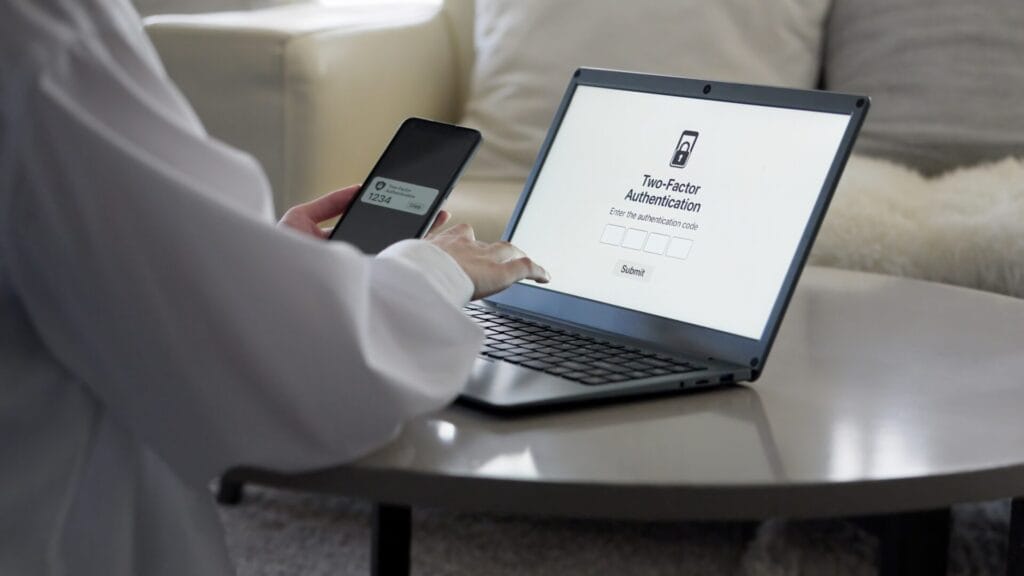
Beyond hosting, controlling who can log in and how they do so is one of the most impactful steps in securing any WordPress site. Key practices include:
- Remove the default “admin” username. It is the first thing bots try. Use a unique, non-obvious username for all administrator accounts.
- Use strong, unique passwords for every user account — especially admins. A password manager makes this easy to maintain.
- Enable Two-Factor Authentication (2FA) for all admin-level users. Even if a password is stolen, 2FA blocks unauthorized access.
- Limit login attempts to slow down brute-force attacks.
- Assign user roles carefully. Give each team member only the level of access they actually need. Not everyone needs to (or should) be an administrator.
- Review unused accounts. Old accounts from former staff or contractors are easy targets. Delete them when they are no longer needed or downgrade them to a user role with lower privileges.
A strong hosting environment and careful access control are the first two pillars of a secure WordPress site. From here, the next layer is active, real-time protection.
Active Security — Firewall, Malware Scanning, And Bot Protection
A solid foundation gets you far, but active security tools are what catch threats in real time. This layer covers the firewall, scanning, and traffic filtering that form the day-to-day defence of a WordPress site.
Patchstack — Firewall and Virtual Patching
Happy Bits uses and recommends Patchstack as the primary Web Application Firewall (WAF) for WordPress websites. Patchstack works alongside GridPane’s server-level 7G firewall to provide deep, WordPress-aware protection.
One of Patchstack’s most powerful features is virtual patching. When a vulnerability is discovered in a WordPress plugin or theme, there is often a window between its public disclosure and a developer’s release of an official fix. During that window, attackers actively scan for and exploit vulnerable sites. Virtual patching closes that gap — Patchstack automatically applies a protective rule that blocks exploitation attempts, even before the plugin author ships an update. For busy organizations that need to test plugins before updating the live site or cannot monitor every security bulletin, this provides a significant layer of protection.
Cloudflare — DNS, Bot Protection, and Spam Prevention
Happy Bits uses and recommends Cloudflare for DNS management, and an additional layer of traffic filtering before requests even reach the server. Cloudflare’s bot protection identifies and blocks malicious automated traffic — including scrapers, credential-stuffing bots, and vulnerability scanners — helping to keep the site fast and secure.
For spam prevention on forms and comment sections, we implement Cloudflare Turnstile — a privacy-friendly, user-respecting CAPTCHA alternative that stops automated spam submissions without frustrating real visitors. Honourable mentions in this sphere go out to CleanTalk, WP Armour, WP Image CAPTCHA and good old Google reCAPTCHA.
Together, Cloudflare and Patchstack cover the site from two complementary angles: Cloudflare filters at the network and DNS level, while Patchstack protects at the WordPress application level.
MalCare — Malware Scanning and Activity Monitoring
For ongoing malware detection and site monitoring, Happy Bits uses MalCare Pro. MalCare’s deep malware scanner performs off-site scans — meaning the scanning happens on MalCare’s servers rather than on your website’s server. This keeps the site fast and prevents resource limits from being triggered during a scan.
MalCare also maintains a detailed activity log, so we can see exactly what changes have been made on a site — which user did what, and when. If something unexpected happens, that log is invaluable for understanding what occurred and responding quickly.
Uptime monitoring is another security feature provided by Malcare, although we use BetterStack for this purpose. If a website we manage goes down, we are notified immediately and can respond as soon as possible.
Off-Site Backups — Your Last Line of Defence

No security stack is complete without a reliable backup strategy. Even the best-protected sites can fall victim to unforeseen events — a bad plugin update, server hardware failure, human error, or a sophisticated attack. When that happens, a clean, recent backup is what gets a site back online quickly.
At Happy Bits, we take a redundant approach to off-site backups, using two independent backup systems running in parallel:
- BlogVault provides automated, incremental off-site backups with easy one-click restore options. BlogVault is recognized as one of the most reliable WordPress backup services, with backups stored independently of the hosting server.
- WPvivid Pro or Time Capsule plugins — As a second, independent backup layer, these plugins, integrated with cloud storage services, such as AWS, Wasabi or pCloud, provide additional scheduled backups stored off-site, ensuring that if one backup system ever encounters an issue, a completely separate, clean copy of the site is always available.
Running two independent backup systems means that in a worst-case scenario, there is always a reliable restore point to fall back on. For the organizations and businesses we work with, that peace of mind is not optional — it is a core part of responsible website management.
Best practices for WordPress backups include:
- Store backups off-site, separate from the hosting server
- Run backups on an automated daily schedule at a minimum
- Retain multiple restore points, not just the most recent backup
- Test restores periodically to confirm backups are actually working
- Keep backups that predate any suspected compromise, in case malware was present before the most recent backup ran
Keeping WordPress Updated — The Most Underrated Security Step
If there is one habit that prevents more hacks than almost anything else, it is keeping WordPress, themes, and plugins up to date. The majority of successful WordPress attacks exploit vulnerabilities in outdated software — vulnerabilities that have often already been patched in a newer version.
This is why Patchstack’s virtual patching is so valuable during the window between a vulnerability’s disclosure and a patch’s release. But the long-term answer is always to apply the actual update.
At Happy Bits, updates are a core part of every WordPress Care Plan — and we handle them with care. Before applying any update, we review plugin changelogs and use MalCare’s UpdateLens feature to identify major and security updates. The latter are always prioritized for processing. Updates are then applied safely through MalCare/BlogVault’s managed update workflow. For more complex sites, GridPane’s staging environments allow us to test changes before pushing them live — so clients get the security benefits of staying current without the risk of an update unexpectedly breaking something on a production website.
A healthy update routine includes:
- WordPress core — update promptly when new security versions are released; otherwise, there is no rush to update
- Plugins — review changelogs and apply updates regularly; consider removing plugins that are no longer maintained
- Themes — keep the active theme and any parent themes updated
- PHP version — ensure the server is running a supported, current version of PHP
- Unused plugins and themes — delete them entirely rather than just deactivating them; inactive code can still be exploited
How Happy Bits Puts It All Together
For many organizations and small businesses, managing all of these layers — hosting, firewall, scanning, Cloudflare, backups, updates — is a lot to handle alongside the actual work of running a business or serving a community.
That is exactly why Happy Bits offers WordPress Care Plans. We bring the full security stack described in this guide to sites we manage:
|
Layer |
Tool |
|---|---|
|
Server & Hosting Panel |
GridPane |
|
Server Firewall |
7G or 8G Firewall |
|
Application Firewall & Virtual Patching |
Patchstack |
|
DNS & Bot Protection |
Cloudflare |
|
Spam Protection |
Cloudflare Turnstile |
|
Malware Scanning & Activity Logs |
MalCare |
|
Safe Update Management |
MalCare UpdateLens |
|
Off-Site Backup (primary) |
BlogVault |
|
Off-Site Backup (redundant) |
WPvivid Pro |
|
E-commerce Security |
GridPane Fortress |
|
Staging & Safe Updates |
GridPane Staging Environments |
Every site we manage benefits from this layered, professional-grade security approach — the same tools and processes we would apply to our most critical projects.
Conclusion
Learning how to secure a WordPress website is not about finding one magic solution. It is about building layers — each one covering what the others might miss. A secure server environment, an active firewall with virtual patching, bot and spam protection, regular malware scanning, clean backups in multiple locations, and a disciplined update routine work together to make a site genuinely hard to compromise.
For Canadian organizations running WordPress in 2026, the threat landscape is real but manageable. The tools exist, the processes are proven, and the steps are clear.
If managing all of this in-house feels like too much, Happy Bits is here to help. Our WordPress Care Plans are designed for exactly this — so you can focus on your mission, your customers, and your work, while we keep your website safe, current, and running smoothly.